Deep Links as Agent Handoffs
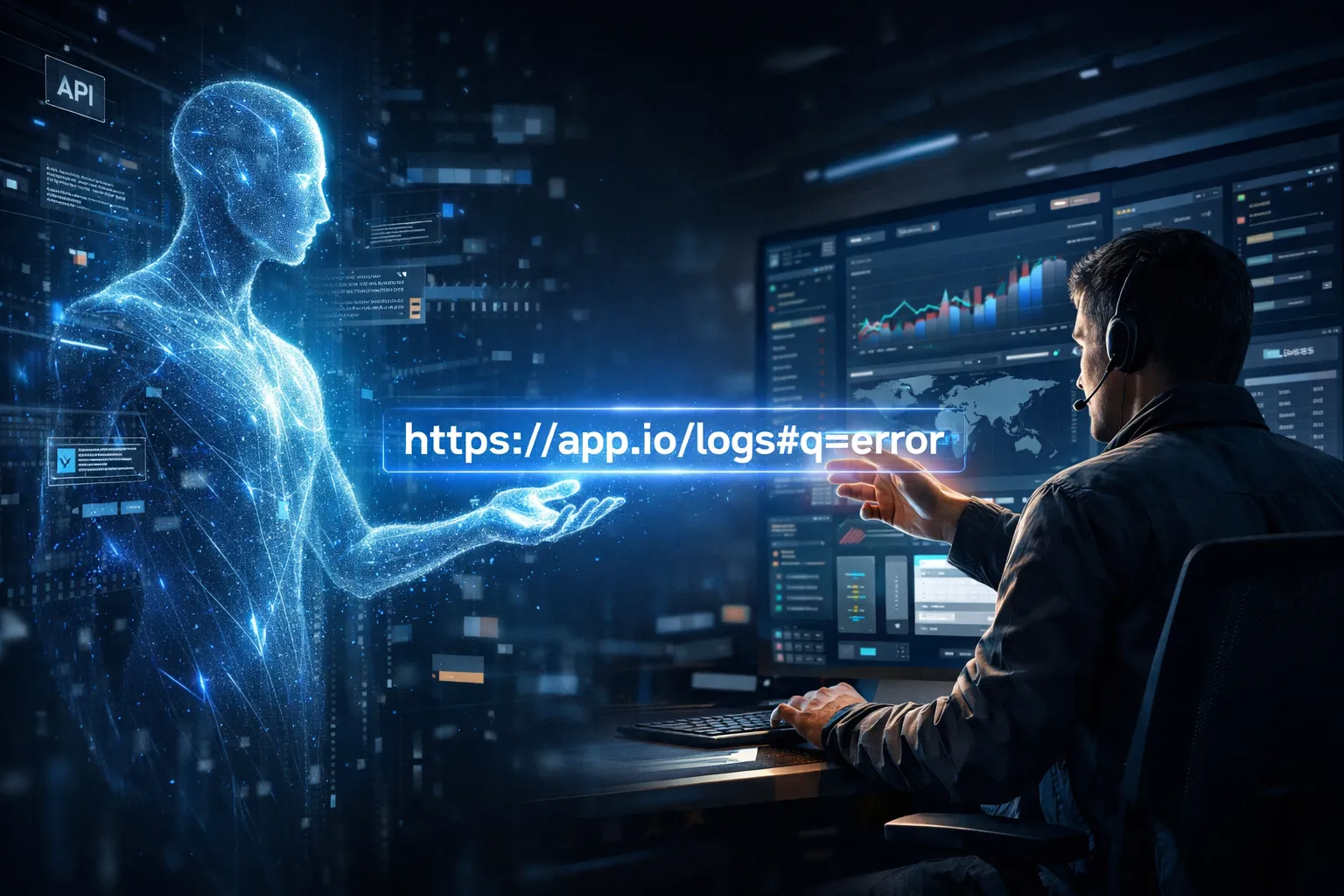
I think deep links matter more now than they used to for one simple reason: agents are excellent at investigation, but humans are still better at interactive consoles.
That changes what a “good” link needs to do. It is no longer enough to point at a page. In many cases, the useful handoff is a link that restores enough UI state for a person to continue from the exact place the agent discovered.
Deep Links Are More Than Navigation
Everyone already uses deep links. Sharing a location in WhatsApp, opening an Amazon product, or jumping directly into a screen inside a mobile app all follow the same idea: the link carries context, not just a destination.
On the web, that context can be much richer. A deep link might open a specific search, a filtered dashboard, a preloaded log query, or a particular tab with a time range already selected.
That is the distinction I care about in agentic systems:
- A normal link takes you to an application.
- A deep link takes you to a specific application state.
Why This Matters in Agentic Workflows
Agents are very good at API and CLI work. They can query systems, search logs, join data from multiple commands, and narrow down a problem quickly.
Humans, on the other hand, are often better at the final inspection step. Consoles are designed for scanning, clicking around, comparing views, and making judgment calls.
So the useful pattern is not “make the agent operate the console end to end.” In practice, I think the better pattern is:
- Let the agent investigate through the API or CLI.
- Let the agent build a deep link for the relevant UI state.
- Let the human open that link and continue in the console.
That is why I like this framing:
Deep links are the interface between agent reasoning and human-facing consoles.
How Modern Deep Links Restore State
Once you move beyond “open this page,” a deep link becomes a state transfer mechanism.
The key detail is the fragment, which is everything after # in a URL.
https://app.example.com/logs?region=us-east-1#view=insights&state=ENCODEDThe important property of the fragment is that it is not sent to the server as part of the HTTP request. The server sees /logs?region=us-east-1. The browser loads the application, and then the client-side code reads the full URL and decides how to reconstruct the view.
The mental model I keep coming back to is:
Before
#loads the app; after#configures the app.
That is what makes rich deep links possible. The server delivers the application, but the application interprets the URL to rebuild the user’s working view.
Common Deep-Link Encoding Patterns
Once you treat a deep link as encoded state, the next question is how that state is represented. In practice, I see three common patterns.
1. Query Parameters
This is the simplest form. State is stored as normal key-value pairs in the URL.
https://play.grafana.org/d/HYaGDGIMk/templating-global-variables-and-interpolation?orgId=1&from=now-6h&to=now&timezone=utc&var-Server=CCCThis works well for flat state such as filters, IDs, and time ranges. It is readable and easy to generate, but it does not scale well once the UI state gets deeply nested.
2. JSON Serialized into a URL Parameter
Another option is to serialize state as JSON and then URL-encode it so it can be carried in a URL parameter.
https://example.com/app?state=%7B%22query%22%3A%22error%22%2C%22limit%22%3A50%7DThis is straightforward for developers, especially in internal tools, but it becomes long and unpleasant quickly.
3. Compact Encoded State
Richer applications often use a custom compact format instead of raw JSON. The goal is the same: preserve nested state in a URL-safe form without making the URL completely unmanageable.
This is the space where formats such as Rison, JSURL, and JSON-to-URL-style encodings show up, along with fully custom schemes. They are more compact than plain JSON, but they are also harder to read and often only partially documented.
The Hybrid Approach Most Real Systems Use
In practice, the most useful deep links are often hybrid links.
They usually split state like this:
- Query parameters for stable, global, or server-relevant context.
- Fragment state for rich client-side UI configuration.
That split maps well to how these applications work.
Query parameters are a good fit for things like region, account, project, or route context. Fragment state is a good fit for things like selected tabs, editor contents, filters, sort order, and time windows.
Another way to say it is:
The server decides where you are. The client decides what exactly you are looking at.
CloudWatch Is a Good Example
CloudWatch Logs Insights is a useful example because it shows this hybrid model clearly.
https://us-east-1.console.aws.amazon.com/cloudwatch/home?region=us-east-1#logsV2:logs-insights$3FqueryDetail$3D~(end~0~start~-3600~timeType~'RELATIVE~tz~'UTC~unit~'seconds~editorString~'fields*20*40timestamp*2c*20*40message*0a*7c*20sort*20*40timestamp*20desc*0a*7c*20filter*20*40message*20like*20*22Hello*22*20or*20*40message*20like*20*22World*22*0a*7c*20limit*2010000~queryId~'0c0b90ea-86b4-4ffa-9904-53fd26b4d1a2~source~(~)~lang~'CWLI~logClass~'STANDARD~queryBy~'logGroupName)The query string carries the global region context:
?region=us-east-1The fragment carries the Logs Insights route plus a compact serialized blob representing the working view. In practice, that state includes things like the time window, timezone, query text, and some execution-related metadata.
The embedded query in that example is effectively:
fields @timestamp, @message
| sort @timestamp desc
| filter @message like "Hello" or @message like "World"
| limit 10000
I would not describe CloudWatch as using plain JSON in the URL. It appears to use its own compact state format, with a shape that is closer in spirit to encodings like Rison, JSURL, or JSON-to-URL than to raw JSON, but it is still a CloudWatch specific format.
That is the useful point. The link is not just saying “open Logs Insights.” It is saying “open Logs Insights with this specific reconstructed state.”
Building the Handoff Tool
Once you see deep links as serialized state, the implementation path is usually simple: write a small script or MCP tool that turns an API result into a URL a human can open.
A useful first version usually does three things:
- Maps the API result into the destination app’s expected state.
- Serializes that state into whatever format the app expects.
- Returns a deep link the human can open directly.
If the target format is documented, this is mostly straightforward plumbing. If it uses a custom encoding, the pragmatic move is usually to reverse engineer enough of it to cover the common path.
That is often a good enough starting point. A handoff tool that works for the typical case is already valuable, and you can refine it over time as you hit more edge cases.
Why I Still Prefer APIs and CLIs for Agents
If the system already exposes an API or CLI, I would usually rather let the agent work there than drive the console directly.
With CloudWatch, for example, the AWS CLI flow is workable, but many people still prefer the console when they are exploring or inspecting logs. A typical CLI workflow looks something like this:
- Start a Logs Insights query.
- Get back a query ID.
- Poll until the query completes.
- Fetch the results.
That flow is fine for automation and for an agent working through an investigation. But if the handoff is for a human, replaying those CLI steps is usually a worse experience than opening the relevant console view directly.
Browser automation has improved a lot, and tools like Playwright are far better than older click scripts. But auth-heavy consoles, UI churn, and vendor-specific behavior still make browser-driven workflows more fragile than API-driven investigation.
That is exactly where deep links help: let the agent do the deterministic work through the API or CLI, then hand the human a console view built for inspection.
The Real Payoff
The most important shift here is that modern deep links are often not just links to a resource. They are serialized UI state.
That is why they fit agentic systems so well. An agent can discover the right query, time range, or filter set without touching the UI. The deep link then becomes the cleanest way to transfer that result into a human-friendly console.
Key Takeaways
- Deep links in modern web apps are often a way to restore application state, not just navigate to a page.
- Many real systems use a hybrid model: stable context lives in query parameters, while richer UI state is reconstructed on the client, often from the fragment.
- In agentic workflows, deep links are a practical handoff: the agent can investigate through APIs or CLIs, then pass a human directly into the relevant console view.